Tools | Text to Image
Turn your Ideas into Images


Create unique AI-generated images from a simple text prompt.
Describe what you want to see and let Vidaloops turn your words into a visual. Create realistic photos, cinematic scenes, illustrations, concepts, and more in seconds.
How Text-to-Image Works
Go from an idea to a generated image in just a few steps. No design skills required.
01
Choose your settings

02
Describe your idea
Surreal double-exposure portrait of a woman in side profile, her silhouette filled with a dense evergreen forest and misty mountains, warm golden light through the trees, black birds flying from her head, soft cream background, poetic fine-art photography, cinematic and dreamlike.

03
Generate your image


Choose the Right Model for Your Needs

Cost-Effective
Great for exploration, drafts and higher-volume generation.
Cost
Speed
Quality
Accuracy

Balanced
A reliable mix of quality, speed, accuracy, and cost.
Cost
Speed
Quality
Accuracy

High Fidelity
For rich, polished imagery with strong atmosphere, lighting, and visual style.
Cost
Speed
Quality
Accuracy
The Image Is Just the Start
Take your generated images into the AI Image Editor to refine them, create multiple scenes, then turn them into fully animated videos.
-
01
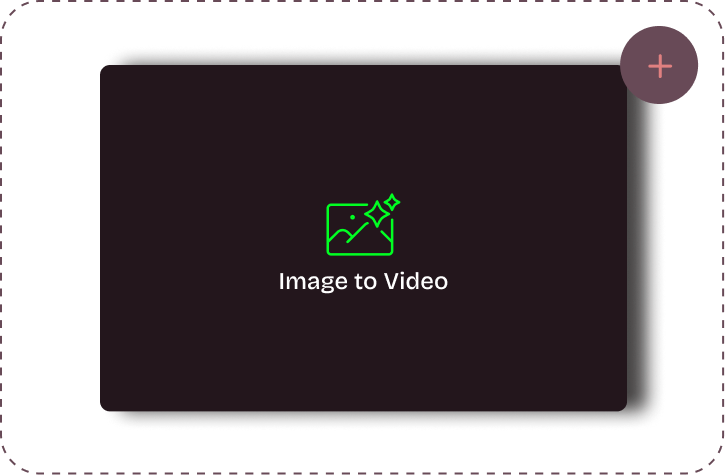
Upload your visuals
-
02
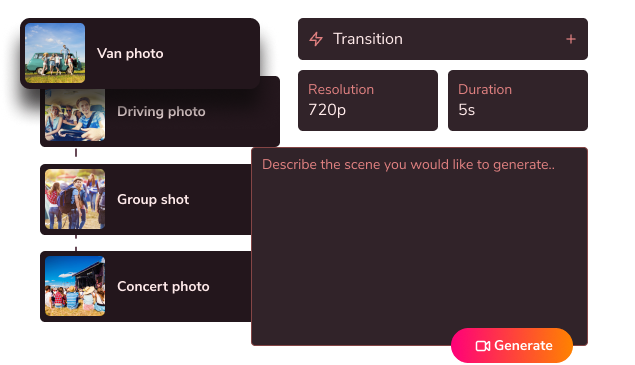
Edit & customize your scenes
-
03
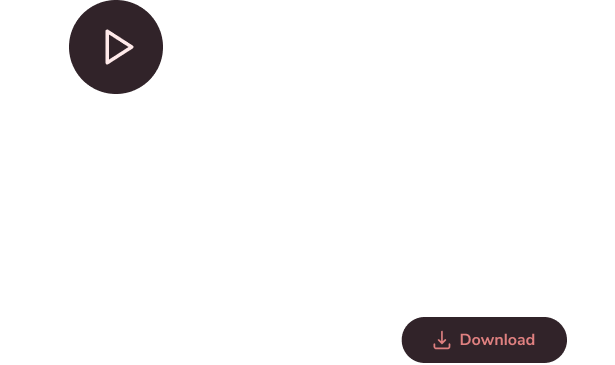
Generate your fully animated video
Create More With Vidaloops
Multi-scene video works even better when paired with other Vidaloops features.
-

Image to Video
Turn still images into an AI-generated motion scenes.
-

Smart Prompt to AI Video
Create an AI-generated videos from a written prompt.
-

Static to Video
Add your own static media to your project without AI.
Best for Creators and Businesses
Frequently asked questions
What is an AI text-to-image generator?
An AI text-to-image generator creates an image from a written description. You describe the subject, style, setting, lighting, mood, or other details you want, and the AI generates a visual based on your prompt. With Vidaloops, you can then continue editing or animating the generated image within the same platform.
How do I create an image from text?
Enter a description of the image you want to create, choose your preferred AI model and settings, then generate your image. More detailed prompts can give the AI additional creative direction, including the subject, environment, lighting, camera angle, color palette, and visual style.
Do I need design or prompting experience?
No. Vidaloops is designed to work with simple, natural-language prompts. You can start with a short description and add more detail when you want greater control over the result.
What kinds of images can I generate?
You can create a wide range of visuals including realistic images, portraits, landscapes, product concepts, cinematic scenes, illustrations, social media graphics, artistic imagery, and creative concepts. Available results can vary depending on the AI model and prompt you choose.
Can I choose different AI models?
Yes. Vidaloops gives you access to multiple supported AI models so you can experiment with different levels of realism, creativity, style, speed, and image quality from one platform.
Can I edit an image after generating it?
Yes. Once your image is generated, you can continue working with it using the Vidaloops AI Image Editor. Enhance details, resize the image, change its style, retouch elements, or prepare it for animation.
Can I turn my generated image into a video?
Yes. A generated image can be sent directly into the Vidaloops Image-to-Video workflow. Describe the movement you want, choose an AI video model, and transform your static image into an animated scene.
What makes Vidaloops different from a standalone AI image generator?
Vidaloops connects image generation with the rest of your creative workflow. Instead of generating an image and moving between separate tools, you can create your image, edit it, animate it, organize it, and use it inside a multi-scene AI video project from one platform.
Your AI Video Studio Awaits
Sign up now and turn your visuals into cinematic motion in minutes.