Celebrate the Years in Motion
Vidaloops helps you create an anniversary video from photos and turn those meaningful images into a heartfelt gift. Gently animate favourite pictures, arrange them into a celebration, add music, and surprise someone you love with a video made from the story you share.
Create an Anniversary VideoSee Your Favourite Memories Come to Life
Vidaloops turns photographs from different years and occasions into animated scenes that can be combined into one polished, shareable video.
A Milestone Gift in Motion
A framed photograph, album, or slideshow can be deeply meaningful.
A Surprise Anniversary Video
An animated anniversary video can become the centrepiece of a meaningful surprise.
Revive Old Celebration Photos
Some of the most meaningful images may be years or even decades old.
Animate Old Photos for any Celebration
Vidaloops adds natural movement, gentle camera motion, and subtle environmental details while preserving the people, expressions, clothing, and character of each original image.
Before
Upload your original photo
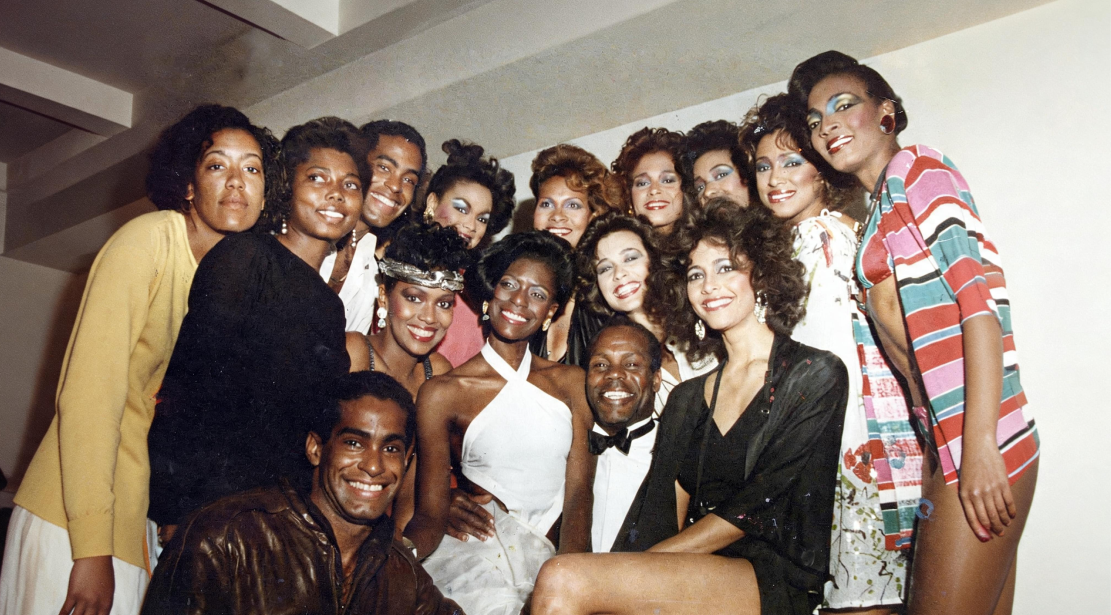
After
Generate an animated clip

No Editing Experience Required
-

Resize for Any Scene Ratio
Adapt your photo to your video format, such as 16:9, 1:1, without manual cropping.
-

Restore and Repair Old Pictures
Clean up dust, noise, skin tones, and imperfections while preserving original colours.
-

Upscale and Enhance Image Quality
Sharpen low-resolution images and improve quality before animation.
-

Retouch and Clean Details
Fix blemishes, lighting, and small imperfections without advanced editing tools.
-

Apply Creative Preset Styles
Choose styles like cinematic, realistic, or watercolor to shape the image mood.
-

Prompt Your Own Edits
Describe the changes you want and guide the AI toward your desired result.
-

Manage Assets & Projects
Manage and organize your assets into categories to keep your library organized when working across multiple projects
-

Version History
Keep track of your edits and quickly restore previous scenes and images
How It Works
Vidaloops provides one straightforward workflow designed for anniversary celebrations
-
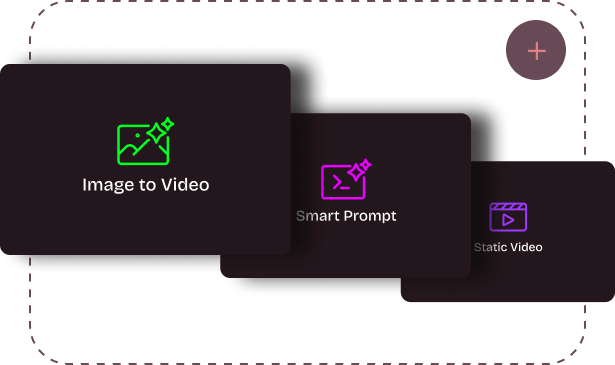
01
Upload your visuals or generate with Ai
-
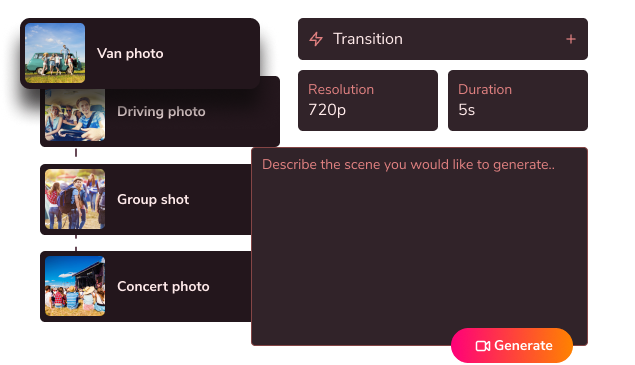
02
Edit, customize & blend your scenes
-
03
Generate your fully animated video
Create More With Vidaloops
Multi-scene video works even better when paired with other Vidaloops features.
-

Image to Video
Turn still images into an AI-generated motion scenes.
-

Smart Prompt to AI Video
Create an AI-generated videos from a written prompt.
-

Static to Video
Add your own static media to your project without AI.
Best for Creators and Businesses
Frequently asked questions
How do I make an anniversary video from photos?
Upload your favourite photographs to Vidaloops, choose the movement or animation style for each image, and review the results. You can then arrange the scenes, add music and personal messages, and create the finished anniversary video. No professional video editing experience is required.
Can I use old or scanned photos?
Yes. Printed photographs can be scanned or photographed clearly and uploaded to Vidaloops. Older images may also be restored to reduce scratches, repair damage, improve faded details, or add natural colour before they are animated.
Can I add music and share it easily?
Yes. You can add music or personal audio to the celebration video and share the finished result with a partner, family, friends, coworkers, or guests. It can be played during an event, sent privately, or adapted for social media. Make sure you have permission to use copyrighted music in publicly shared videos.
Is it easy if I've never edited a video?
Yes. Vidaloops is designed for people without editing experience. The process guides you from uploading photographs and choosing animation to arranging scenes, adding music, and creating the final video. There is no complicated professional editing timeline to learn.
Create a Gift They Will Want to Watch Again
Vidaloops helps you bring selected moments into motion and turn them into a gift that can be watched, shared, and kept.
Create an Anniversary Video