Bring Old Photos Back to Life
Vidaloops helps you bring old photos to life by restoring faded details, improving image quality, and adding gentle, natural movement. A grandparent can softly smile, family members can turn toward one another, and a quiet moment from decades ago can feel present again.
Revive a PhotoBring a Memory to life
Begin with a faded, scratched, creased, or low-resolution family photograph. Vidaloops helps improve the image before adding gentle animation, allowing faces and important details to appear more clearly in the final result.
Before
Upload your original photo
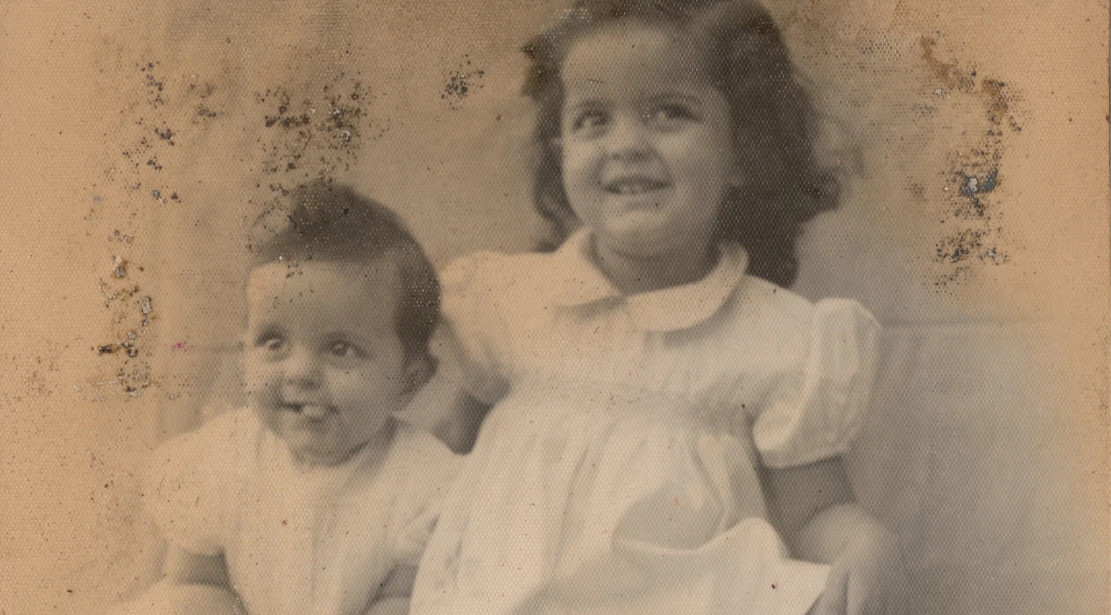
After
Generate an animated clip

Animate Old Family Photos
Each animated scene can then be arranged into a complete family photo video.
Family & Childhood Photos
Animate early portraits, school pictures, birthdays, and everyday into a gently moving family scene.
Historical & Military Photographs
Restore & improve faded uniforms, faces, and details while keeping the tone dignified and respectful.
Damaged & Black-and-White Portraits
Preserve original monochrome style or add natural colour & repair visual wear before adding subtle motion.
Restore and Upscale Old Pictures
Vidaloops helps you improve your image before you animate it, so your final video looks cleaner, sharper, and more polished.
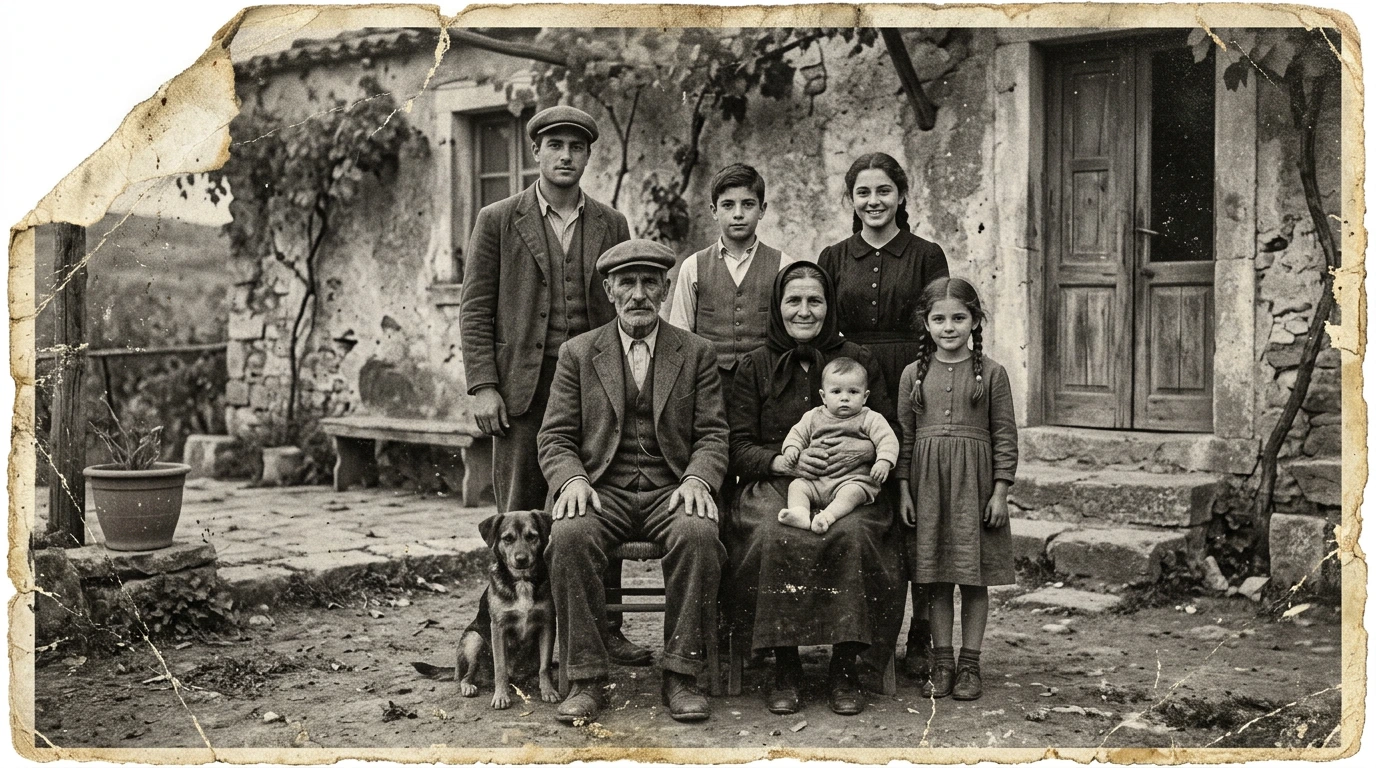
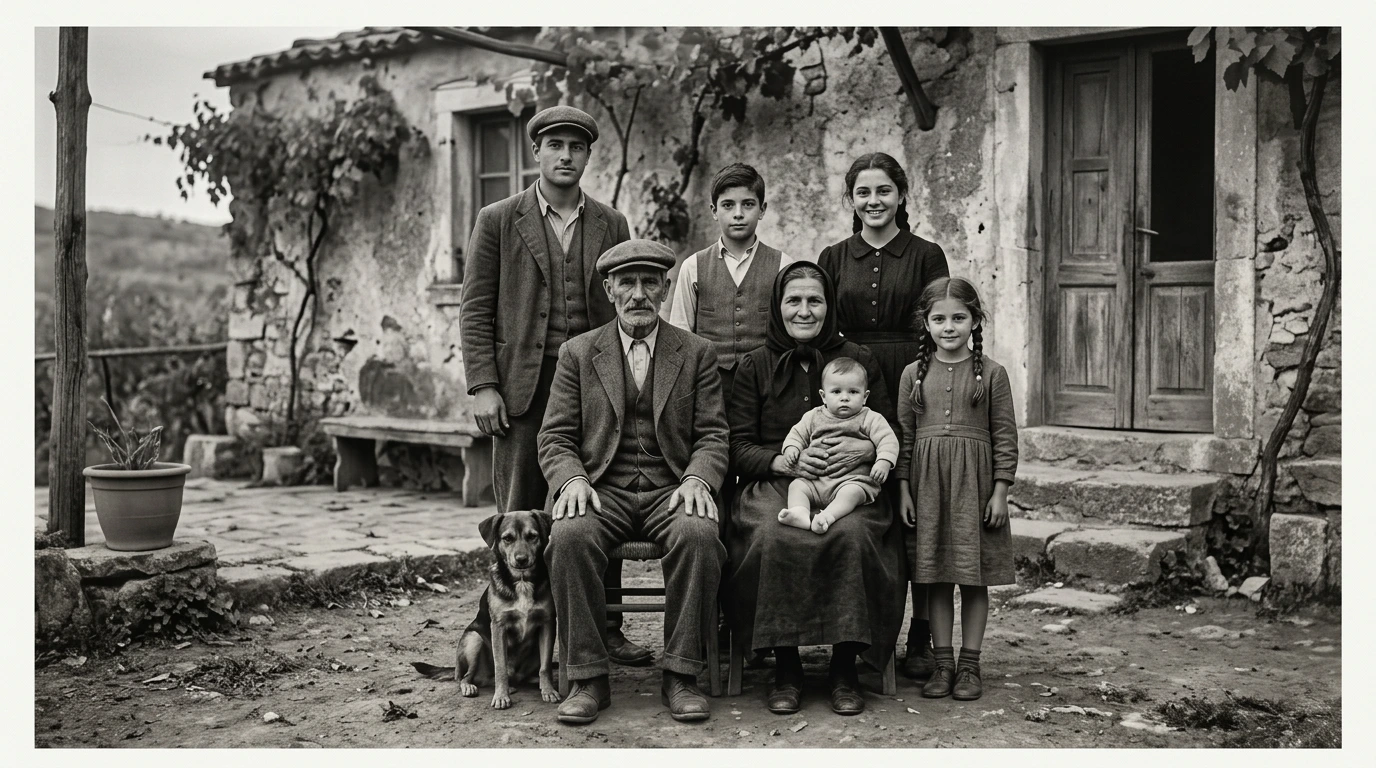
Damaged Photo to Restored Image
Repair old pictures, reduce scratches, clean dust, and improve faded details.

Low-Resolution to Upscaled Photo
Increase image quality and prepare small or blurry photos for better rendering.
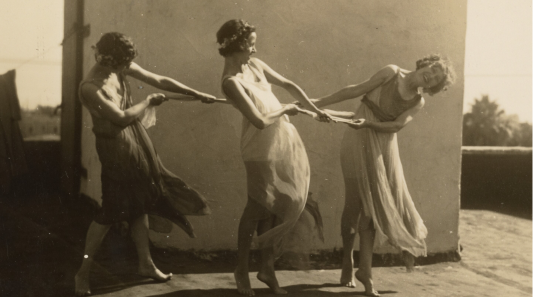
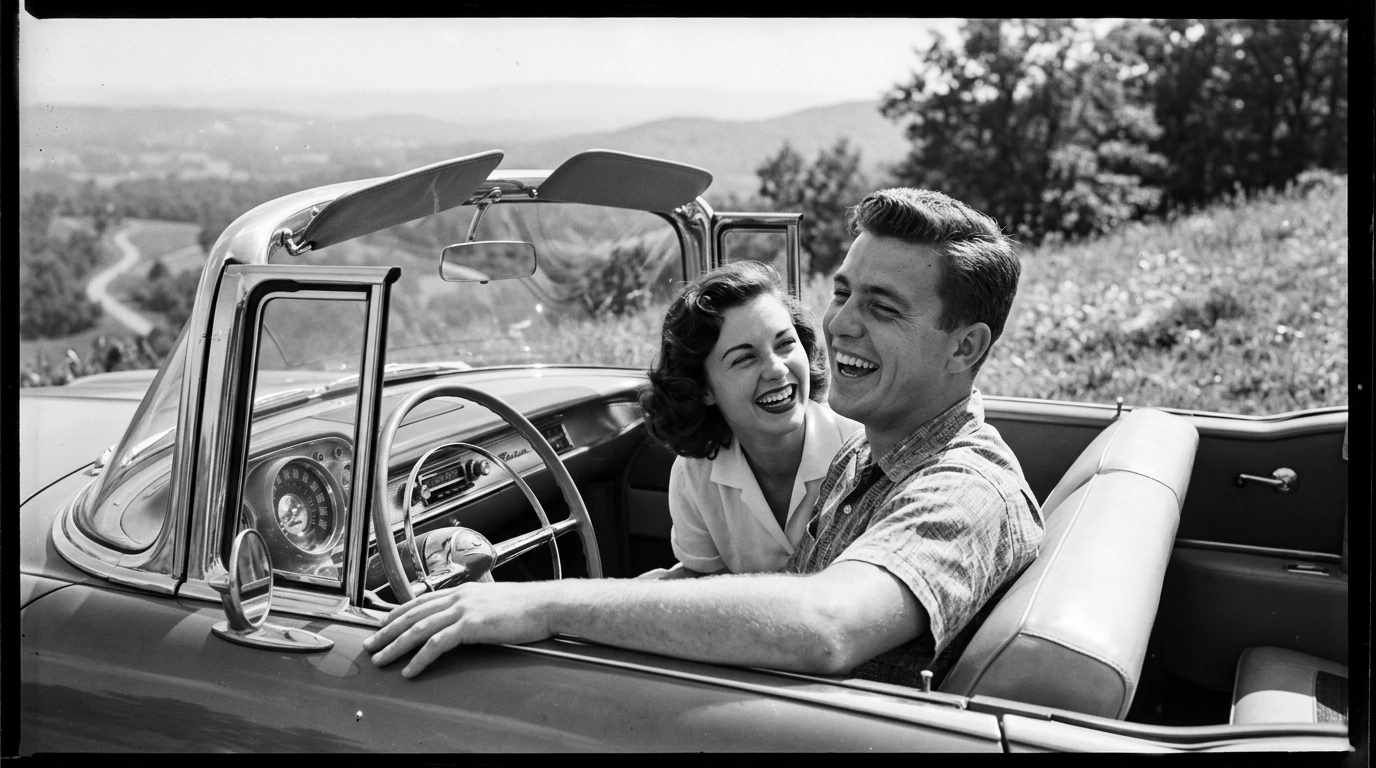
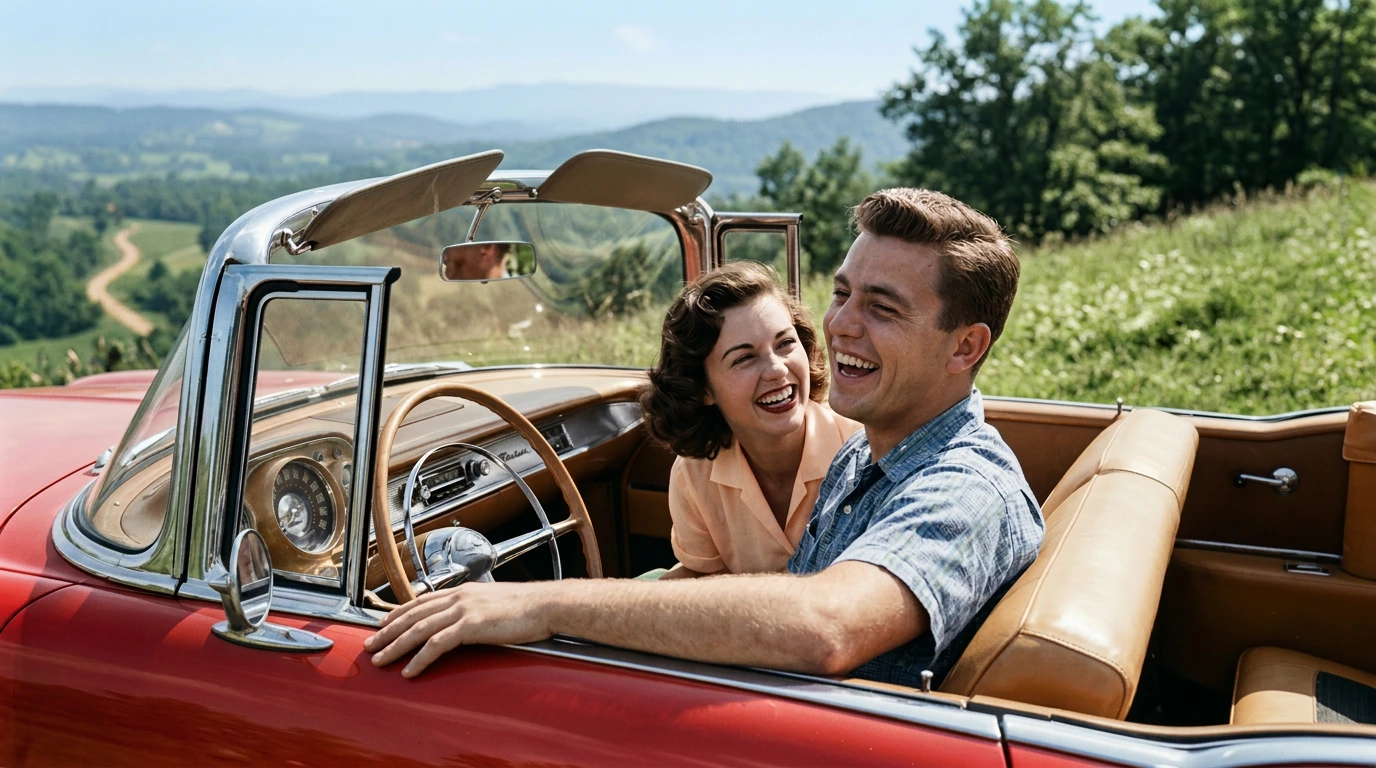
Black-and-White to Colourized Image
Add natural-looking colour while preserving the original feeling of the photo.
Why we're Better than Other Ai Tools?
-

Resize for Any Scene Ratio
Adapt your photo to your video format, such as 16:9, 1:1, without manual cropping.
-

Restore and Repair Old Pictures
Clean up dust, noise, skin tones, and imperfections while preserving original colours.
-

Upscale and Enhance Image Quality
Sharpen low-resolution images and improve quality before animation.
-

Retouch and Clean Details
Fix blemishes, lighting, and small imperfections without advanced editing tools.
-

Apply Creative Preset Styles
Choose styles like cinematic, realistic, or watercolor to shape the image mood.
-

Prompt Your Own Edits
Describe the changes you want and guide the AI toward your desired result.
-

Manage Assets & Projects
Manage and organize your assets into categories to keep your library organized when working across multiple projects
-

Version History
Keep track of your edits and quickly restore previous scenes and images
How It Works
Vidaloops provides one straightforward workflow designed for reviving old photos
-
01
Upload your visuals or generate with Ai
-
02
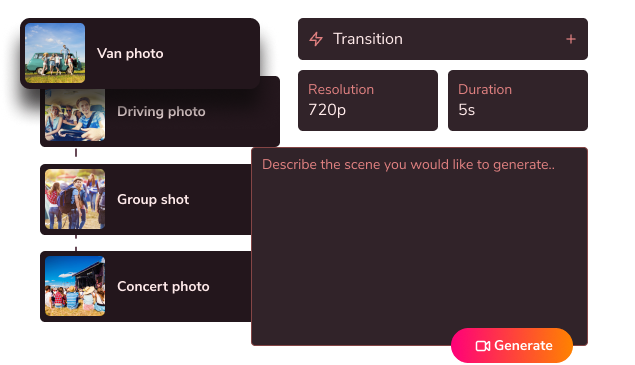
Edit, customize & blend your scenes
-
03
Generate your fully animated video

Create More With Vidaloops
Multi-scene video works even better when paired with other Vidaloops features.
-

Image to Video
Turn still images into an AI-generated motion scenes.
-

Smart Prompt to AI Video
Create an AI-generated videos from a written prompt.
-

Static to Video
Add your own static media to your project without AI.
Best for Creators and Businesses
Frequently asked questions
Can Vidaloops restore old photographs?
Yes. Vidaloops can help improve old photographs by reducing scratches, dust, fading, creases, discolouration, and other visible damage. It can also sharpen details and upscale a small image before animation. Results depend on the condition and clarity of the original photograph, so severely damaged or missing areas may require additional review.
How do I animate an old family photo?
Upload a clear scan or photograph of the old picture, restore or upscale it if needed, and then choose a gentle motion style. You can animate facial expressions, head movement, clothing, the camera, or environmental elements. Review the result before saving it or adding it to a larger video.
Will the animation look respectful and natural?
You can guide the animation toward subtle movement such as natural blinking, a gentle smile, slight breathing, a small head turn, or slow camera motion. For old family, memorial, or historical photographs, restrained movement usually produces the most dignified result. Every animation should be reviewed before it is shared.
What resolution do I need for an old photo?
Use the clearest and largest version available. When scanning a printed photograph, approximately 300 to 600 DPI is commonly suitable, depending on the size and condition of the image. Avoid glare, blur, heavy compression, and cropped faces. Vidaloops can upscale smaller images, but a higher-quality source usually produces a better restoration and animation.
Bring the Past Into the Present
No restoration background. No editing skills. No complicated workflow. Just a meaningful picture, carefully brought back to life.
Revive a Photo