Turn a Static
Image into Video
Before
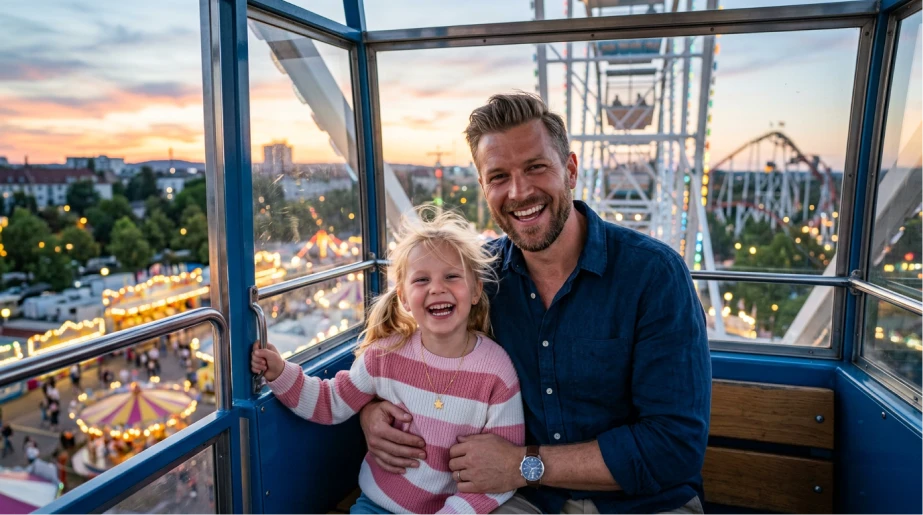
After
Transform any photo, portrait, product shot or memory into a cinematic video with Vidaloops.
Our static image to video workflow lets you upload a still image, describe how it should move, and generate a polished AI video in minutes.
How Image-to-Video Works
Upload, animate, and bring a picture to life. No editing software. No complicated timeline.
-
01
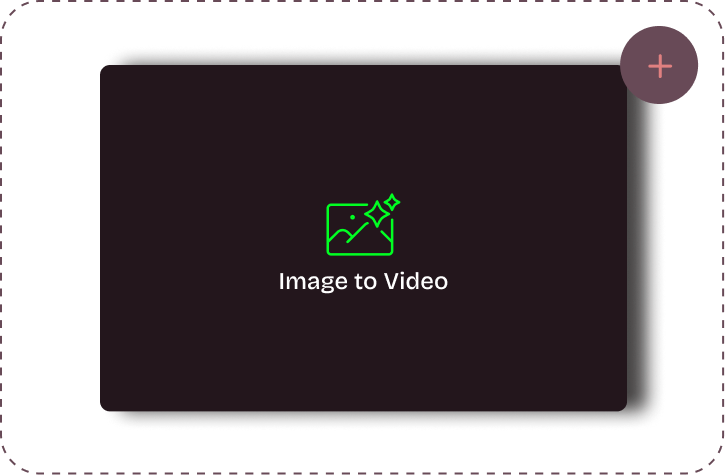
Upload your visuals
-
02
Edit & customize your scenes
-
03
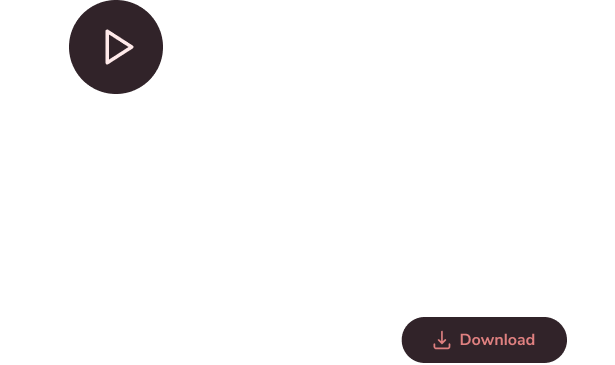
Generate your fully animated video
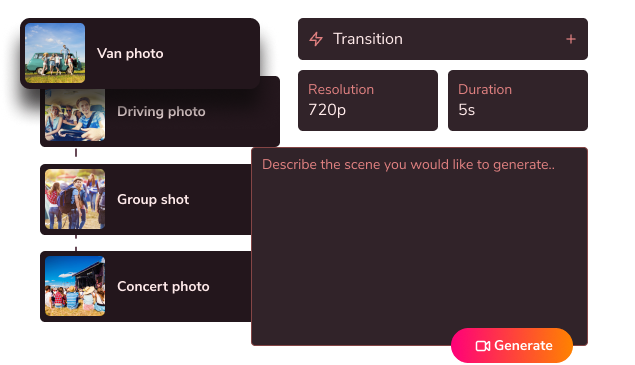
Choose the AI model that best fits your style, speed, and quality needs


Animate Photos with Ai
From Still Image to Moving Scene.
Before
Upload your original photo
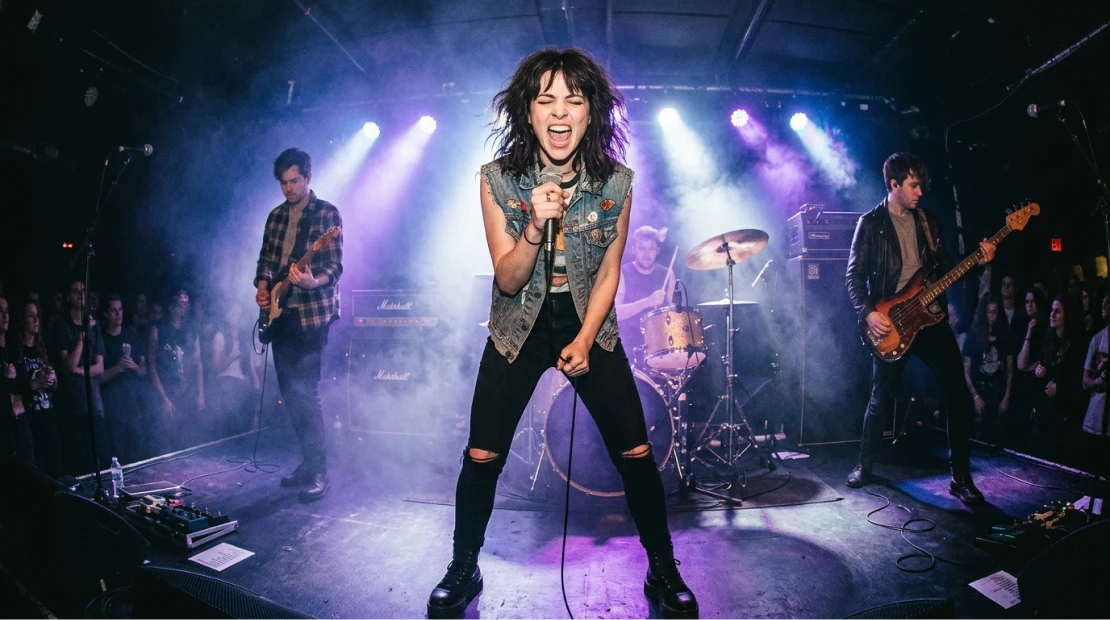
After
Generate an animated clip

Best Image to Video for Beginners
Whether you want to animate a portrait, revive an old family photo, create product content, or make a visual loop for social media, Vidaloops gives you a simple way to make a picture move.
Why we’re Better than
Other Ai Tools?
-

Easy Scene Control
Scene-level control without a steep learning curve
-

Animation Presets
Preset animation styles for faster results
-

Creative Prompt Control
Custom prompts when you want more creative direction
-

Premium Models
Access to multiple premium AI models in one place
-

Manage Assets & Projects
Manage and organize your assets into categories to keep your library organized when working across multiple projects
-

Version History
Keep track of your edits and quickly restore previous scenes and images
-

Lower Tooling Costs
A lower combined cost than paying for several separate tools
-

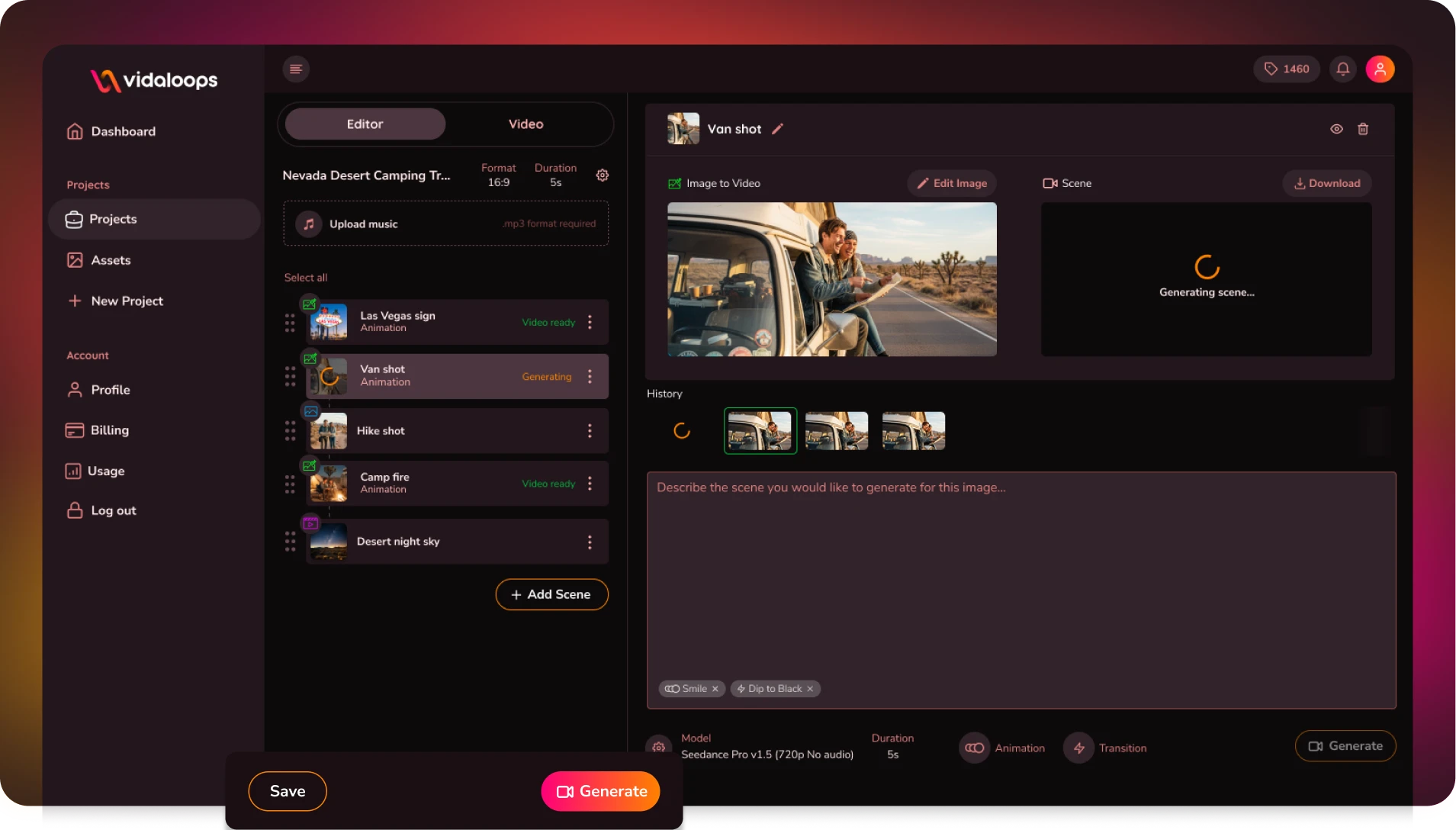
From Image to Finished Video
A smoother path from still image to complete video
Best for Creators and Businesses
Frequently asked questions
What’s the best way to turn a static image into a video?
The easiest way to turn a static image into a video is to use an AI image-to-video tool that lets you control the motion without requiring manual animation. With Vidaloops, you simply upload your image, describe or select how you want the scene to move, choose an AI model, and generate a short video clip. It is a simple way to bring a picture to life without using complicated editing software.
Do I need editing skills to animate a photo?
No. Vidaloops is designed for beginners and does not require any video editing or animation experience. Upload your photo, choose the type of movement you want, and let the AI generate the video. You can animate portraits, landscapes, product images, family photos, and other still images through one straightforward workflow.
What image formats and resolutions are supported?
Vidaloops supports commonly used image formats such as JPG, JPEG, PNG, and WebP. For the best results, upload a clear, high-quality image with the main subject fully visible and enough space around important details. Larger images generally produce sharper results, although extremely large files may be resized during processing.
How long does it take to generate a video from an image?
Most image-to-video generations are completed within a few seconds to a few minutes. Processing time can vary depending on the selected AI model, video length, resolution, scene complexity, and current demand. Once the render is complete, your animated video will be available to preview and download.
Can I choose how the image moves or animates?
Yes. You can guide the animation by describing the movement you want, such as a slow camera push, a gentle head turn, flowing hair, moving clouds, blinking eyes, or a cinematic camera pan. Vidaloops also gives you access to a list of presets and premium AI models such as Veo, Kling, Seedance, and Sora, allowing you to experiment with different motion styles and visual results.
Your AI Video Studio Awaits
Sign up now and turn your visuals into cinematic motion in minutes.