Animate Your Story, Scene by Scene
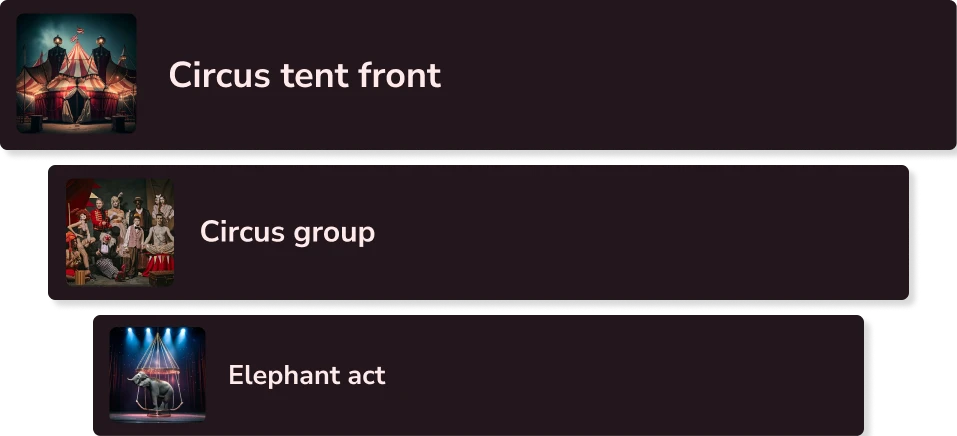
Build a Multi-Scene Video
With Vidaloops, you can build your story one scene at a time, choose how each moment connects, and generate a seamless final video without manual stitching or editing software.
No Stitching Required
Most AI video tools stop at one clip. Vidaloops helps you go further by combining multiple scenes into one complete video.
Before
Separate AI clips that need to be downloaded, edited, and stitched together.
After
A connected multi-scene video with smooth preset transitions and a unified final render.
Choose the AI model that best fits your style, speed, and quality needs


Seamless Scene Transitions
Create your video scene by scene, then let Vidaloops handle the transition and final render.
01
Build your Scenes
Start with a prompt, image, or idea, then add each new scene to build your story
02
Select a Transition
Select a preset transition style such as dissolve, spin, dip to white, or another scene blend effect.
03
Final Video
Vidaloops automatically blends your scenes into one smooth render, giving you a complete video without manual editing.
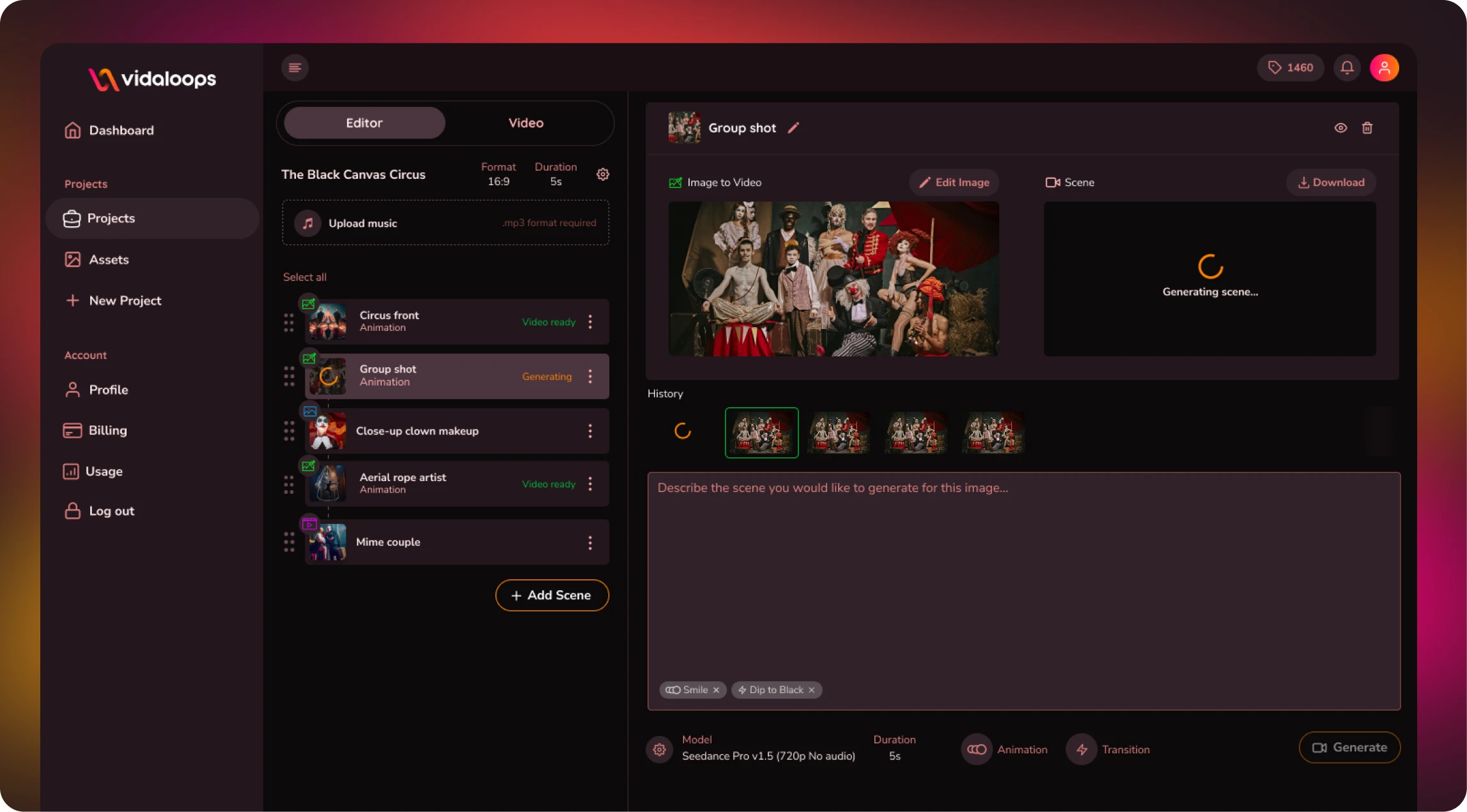
Blend Multiple Scenes
without the Extra Work
-

No Stitching Required
Use are intuitive timeline to organize and connect scenes automatically without manually downloading clips.
-

Preset Transition Styles
Quickly choose preset effects like dissolve, spin, or dip to white to control how each scene flows.
-

Premium Models
Access to multiple premium AI models in one place
-

Scene-by-Scene Storytelling
Build your video one moment at a time, from intro to final reveal.
-

Apply Creative Preset Styles
Choose styles like cinematic, realistic, or watercolor to shape the image mood.
-

Prompt Your Own Edits
Describe the changes you want and guide the AI toward your desired result.
-

Flexible Creative Control
Use different prompts, visuals, motion styles, or AI models while keeping everything connected.
-

Lower Tooling Costs
A lower combined cost than paying for several separate tools
Create More With Vidaloops
Multi-scene video works even better when paired with other Vidaloops features.
-

Image to Video
Turn still images into an AI-generated motion scenes.
-

Smart Prompt to AI Video
Create an AI-generated videos from a written prompt.
-

Static to Video
Add your own static media to your project without AI.
Best for Creators and Businesses
Frequently asked questions
How do I combine multiple scenes into one video?
With Vidaloops, you can build your video scene by scene and combine everything into one continuous render. Create your first scene, add another scene, choose a transition, and let Vidaloops automatically blend the clips together. There is no need to download each clip separately or stitch them together manually.
What transition styles are available?
Vidaloops includes preset scene transitions designed to create a smooth flow between clips. Depending on the project, you can use transitions such as dissolves, spins, dip-to-white effects, and other seamless blends. These presets make it easy to move from one scene to the next while maintaining a polished, consistent look or if you prefer you can describe your own within your prompt details.
Do I need a video editor to blend scenes?
No. Vidaloops handles the scene transitions and final render for you, so you do not need editing software or video production experience. Simply arrange your scenes, describe or choose your animation, select a transition, and generate your multi-scene AI video. The clips are automatically stitched and blended into a single finished video.
Can I use different AI models for different scenes?
Yes. You can use different supported AI models for individual scenes based on the type of motion, style, or result you want. For example, one scene may work better with Kling while another may produce a stronger result with Kling, Veo, Seedance, or Sora. Vidaloops brings the scenes together into one multi-scene video with seamless transitions.
Your AI Video Studio Awaits
Sign up now and turn your visuals into cinematic motion in minutes.