Bring a Cherished Photo Gently to Life
Vidaloops helps you create a memorial video from photos by adding subtle, respectful movement to the pictures you treasure. A gentle smile, a natural blink, or a quiet turn of the head can make a cherished memory feel present again.
Create a Tribute VideoA Tribute that Feels Present Again
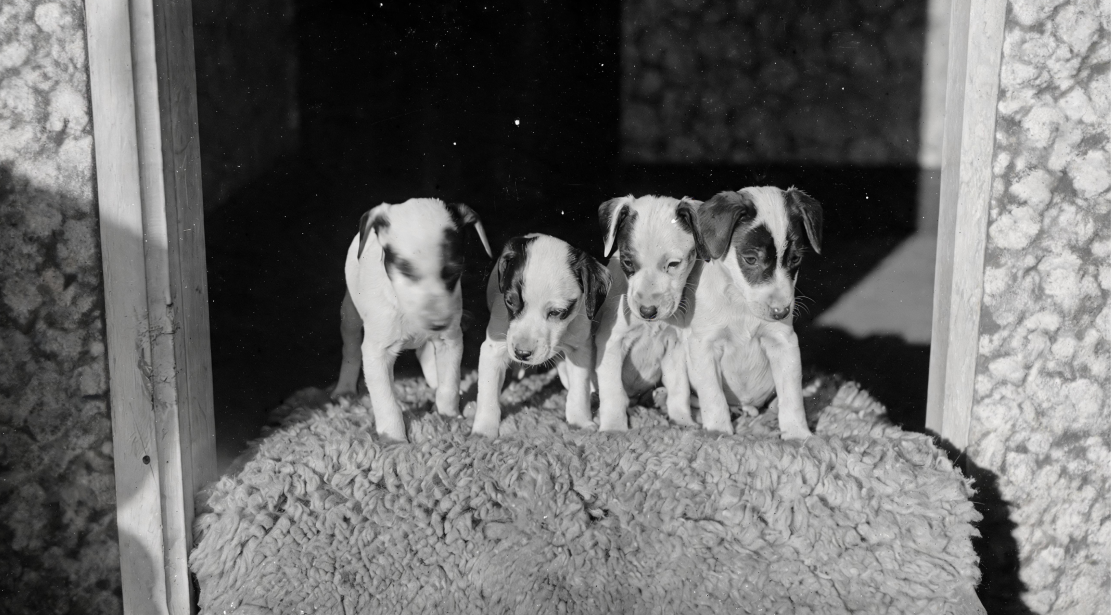
Begin with an original family photograph, portrait, or meaningful moment. Vidaloops adds restrained, natural movement while preserving the person's appearance, expression, clothing, and surroundings.
Before
Upload your original photo
After
Generate an animated clip

More Than a Memorial Slideshow
-

Resize for Any Scene Ratio
Adapt your photo to your video format, such as 16:9, 1:1, without manual cropping.
-

Restore and Repair Old Pictures
Clean up dust, noise, skin tones, and imperfections while preserving original colours.
-

Upscale and Enhance Image Quality
Sharpen low-resolution images and improve quality before animation.
-

Retouch and Clean Details
Fix blemishes, lighting, and small imperfections without advanced editing tools.
-

Apply Creative Preset Styles
Choose styles like cinematic, realistic, or watercolor to shape the image mood.
-

Prompt Your Own Edits
Describe the changes you want and guide the AI toward your desired result.
-

Manage Assets & Projects
Manage and organize your assets into categories to keep your library organized when working across multiple projects
-

Version History
Keep track of your edits and quickly restore previous scenes and images
Restore Photos Before Animating It
Vidaloops helps you improve your image before you animate it, so your final video looks cleaner, sharper, and more polished.
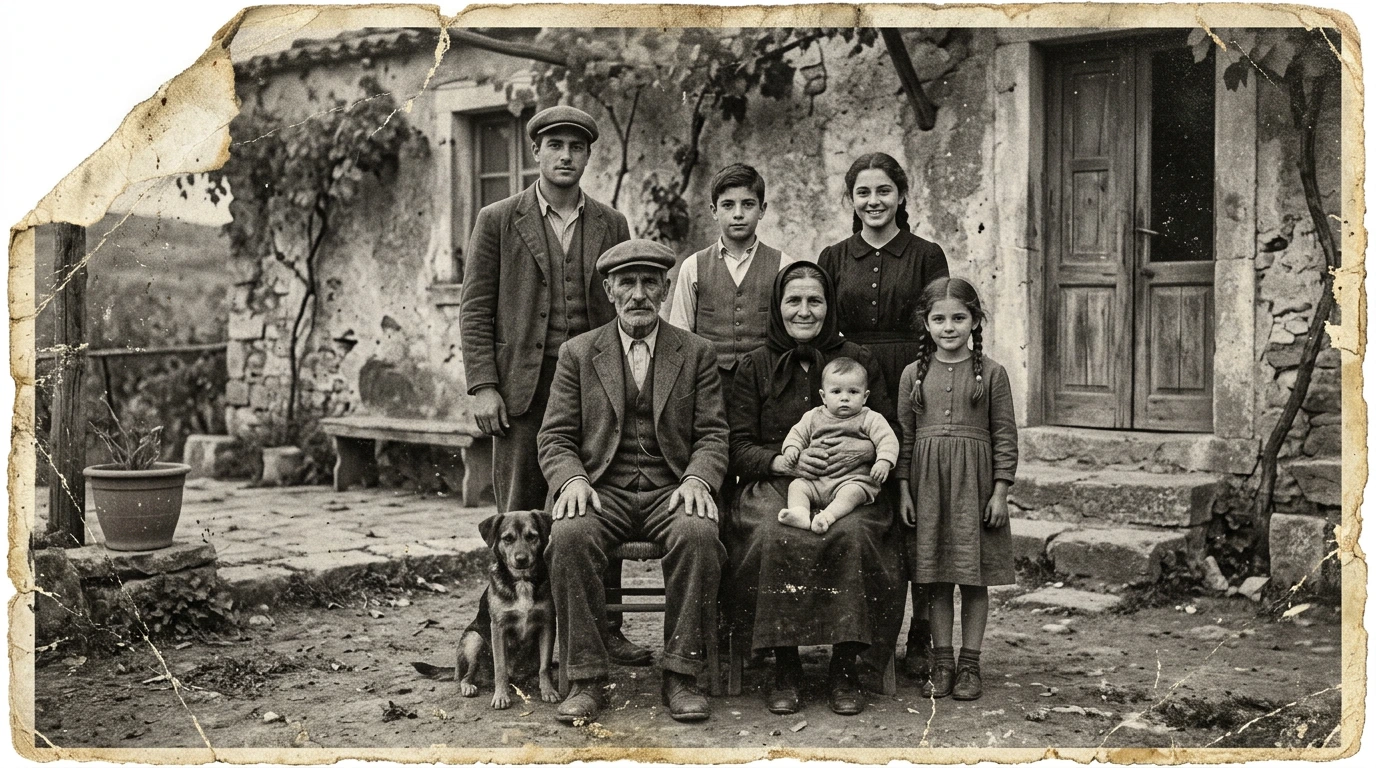
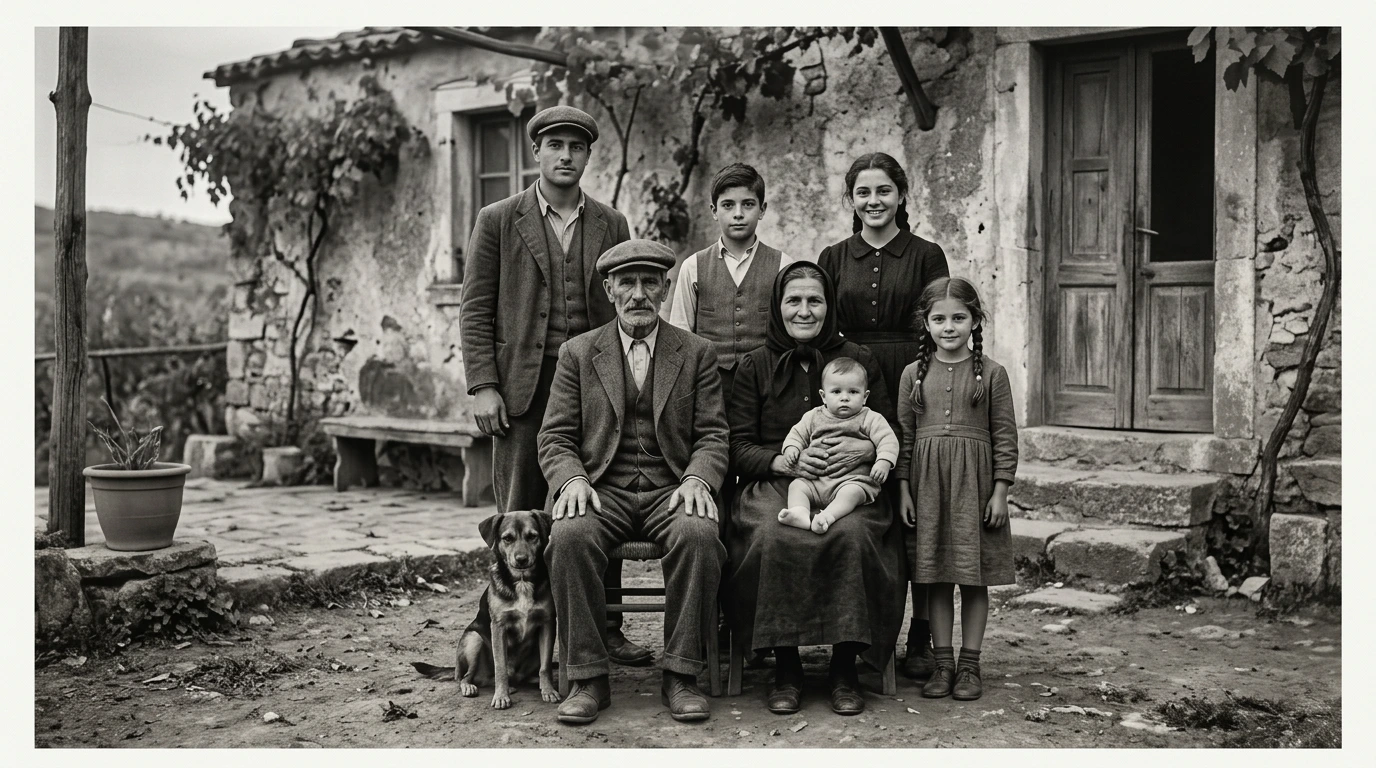
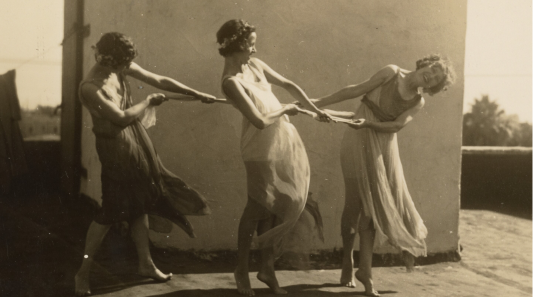
Damaged Photo to Restored Image
Repair old pictures, reduce scratches, clean dust, and improve faded details.

Low-Resolution to Upscaled Photo
Increase image quality and prepare small or blurry photos for better rendering.
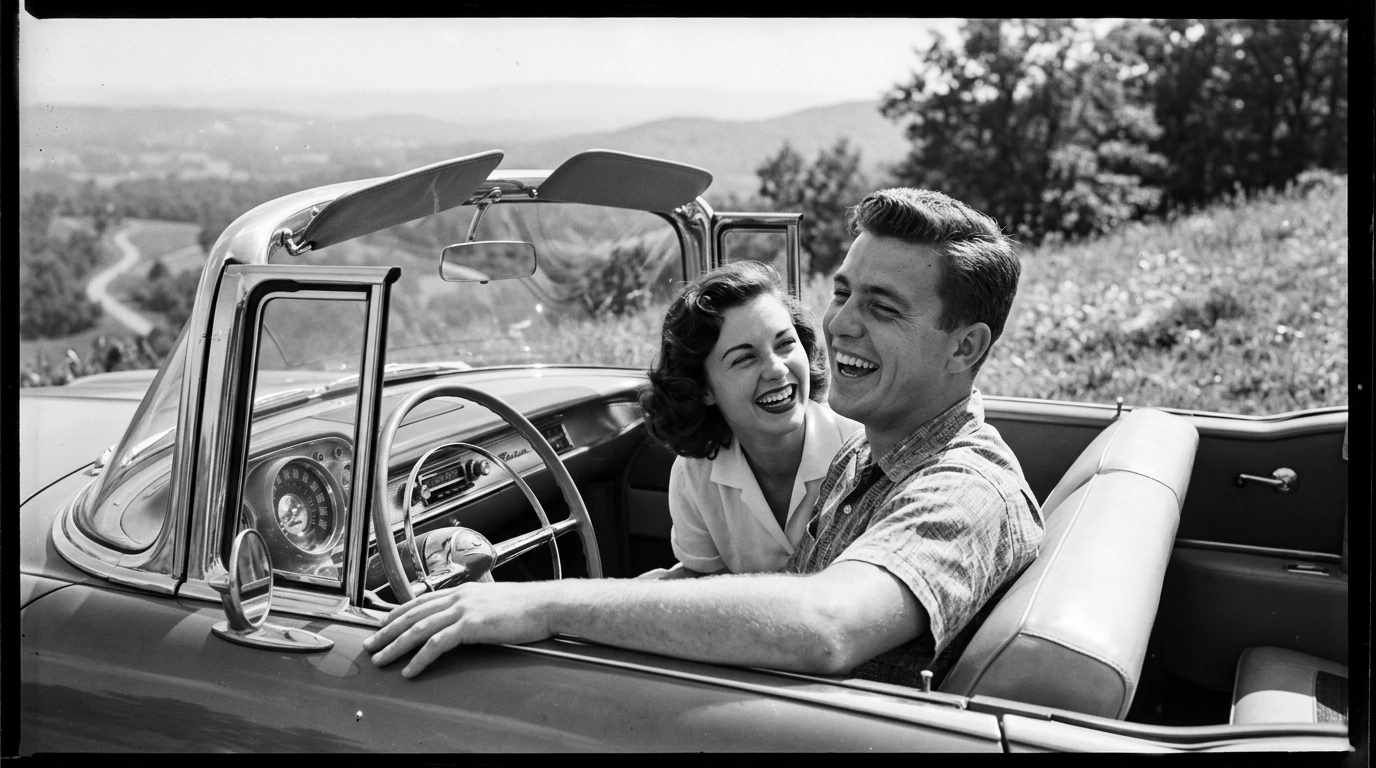
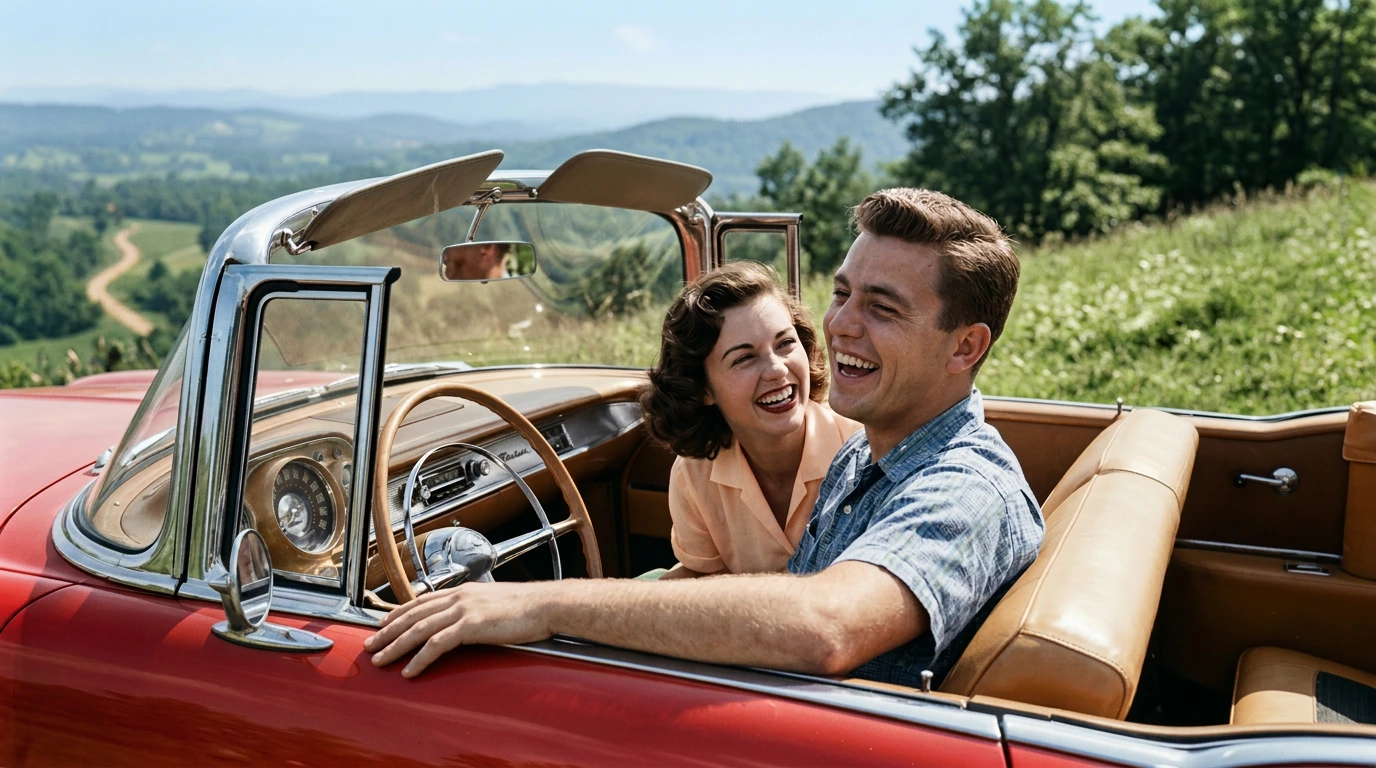
Black-and-White to Colourized Image
Add natural-looking colour while preserving the original feeling of the photo.
How It Works
Vidaloops provides one straightforward workflow designed for memorial tributes
-
01
Upload your visuals or generate with Ai
-
02
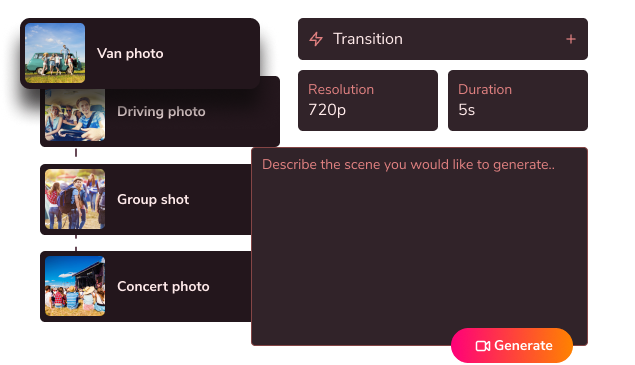
Edit, customize & blend your scenes
-
03
Generate your fully animated video

Create More With Vidaloops
Multi-scene video works even better when paired with other Vidaloops features.
-

Image to Video
Turn still images into an AI-generated motion scenes.
-

Smart Prompt to AI Video
Create an AI-generated videos from a written prompt.
-

Static to Video
Add your own static media to your project without AI.
Best for Creators and Businesses
Frequently asked questions
How do I make a memorial video from photos?
Upload your selected photographs to Vidaloops, choose gentle movement for the images you want to animate, and review each result. You can then arrange the scenes, add music and create the finished memorial video. No professional editing experience is required.
Can I animate a photo of someone who has passed away?
Yes. You can use Vidaloops to add subtle movement to a photograph of someone who has passed away. This may include natural blinking, a gentle smile, a slight head turn, or soft movement within the scene. The animation should be created thoughtfully and with the comfort of the family in mind.
Will the animation be gentle and respectful?
Vidaloops allows you to guide the type of movement used in each photograph. For memorial content, restrained animation such as a subtle smile, natural blinking, gentle breathing, or a slow camera movement is usually most appropriate. You can review the result before adding it to the final tribute.
Are my photos kept private?
Your photographs should remain protected according to Vidaloops' privacy, storage, and data-retention policies. Review the current Privacy Policy for details about how files are processed, how long they are stored, whether they are used for model training, and how they can be deleted.
Can I add music to the tribute?
Yes. You can add music or meaningful audio to accompany the photographs and animated scenes. This may include instrumental music, a favourite song, a voice recording, a reading, or another personal audio file. Make sure you have the right to use any copyrighted music in a publicly shared video.
Bring a Meaningful Memory to Life
Create a tribute that feels personal, gentle, and true to the person you are remembering.
Create a Tribute Video