Turn Client Photos Into Scroll-Stopping Video
Your clients already have product photos, campaign graphics, lifestyle images, event photography, and branded creative sitting in their content libraries. Vidaloops helps your agency turn those existing assets into polished social videos at volume.
Create Client ClipsOn-brand Clips for Every Client
Vidaloops helps agencies transform static client assets into short animated videos without coordinating a new shoot or building every clip from scratch.
From Static Creative to Animated Social Clip
See how a static brand image becomes a scroll-stopping social video clip in Vidaloops.
Before
Upload your original photo
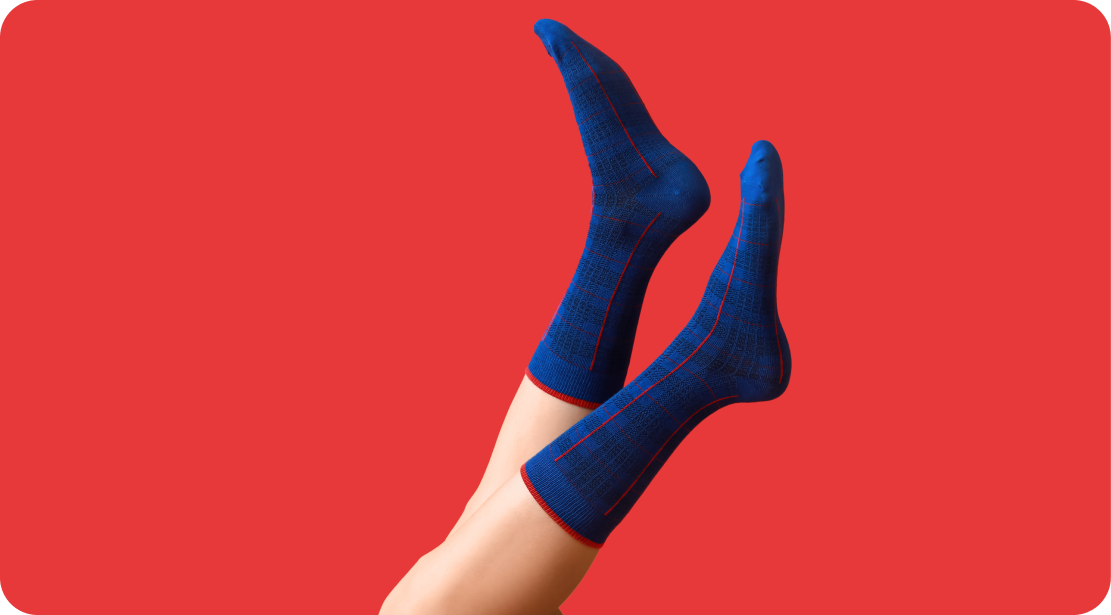
After
Generate an animated clip

Faster Content Production
-

Resize for Any Scene Ratio
Adapt your photo to your video format, such as 16:9, 1:1, without manual cropping.
-

Restore and Repair Old Pictures
Clean up dust, noise, skin tones, and imperfections while preserving original colours.
-

Upscale and Enhance Image Quality
Sharpen low-resolution images and improve quality before animation.
-

Retouch and Clean Details
Fix blemishes, lighting, and small imperfections without advanced editing tools.
-

Apply Creative Preset Styles
Choose styles like cinematic, realistic, or watercolor to shape the image mood.
-

Prompt Your Own Edits
Describe the changes you want and guide the AI toward your desired result.
-

Manage Assets & Projects
Manage and organize your assets into categories to keep your library organized when working across multiple projects
-

Version History
Keep track of your edits and quickly restore previous scenes and images
How It Works
Vidaloops provides one straightforward workflow designed for social media agencies
-
01
Upload your visuals or generate with Ai
-
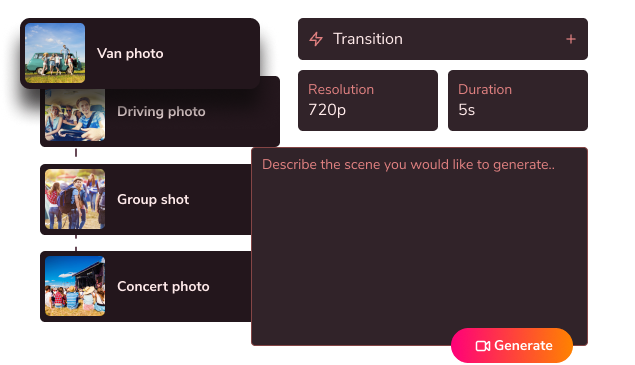
02
Edit, customize & blend your scenes
-
03
Generate your fully animated video

Create More With Vidaloops
Multi-scene video works even better when paired with other Vidaloops features.
-

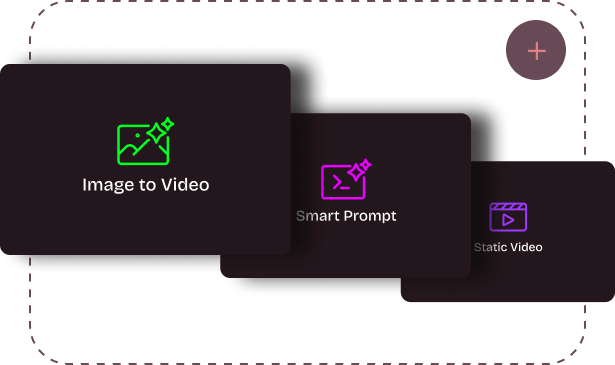
Image to Video
Turn still images into an AI-generated motion scenes.
-

Smart Prompt to AI Video
Create an AI-generated videos from a written prompt.
-

Static to Video
Add your own static media to your project without AI.
Best for Creators and Businesses
Frequently asked questions
How do agencies produce social video at volume with Vidaloops?
Agencies can upload approved client images, select an AI video model, define the desired motion, and generate individual social clips through one workflow. Teams can then create alternate versions, combine multiple scenes, add music, and export content for different platforms. The process can be repeated across multiple client accounts without building each clip in a traditional editor.
Can I keep clips on-brand for each client?
Yes. Vidaloops begins with the client's existing visual assets, helping preserve the original colours, products, composition, styling, and brand details. Your team controls the movement, pacing, scene selection, text, music, and final format so each clip can match the client's identity and campaign goals.
How does pricing compare to subscribing to each AI model?
Vidaloops provides access to multiple AI video models through one platform and credit system. This can be more efficient than maintaining separate subscriptions for several model providers, especially for agencies that need different capabilities across client projects. Actual savings depend on your production volume, the models used, and the subscription plans your agency would otherwise require.
Produce More Without Adding More Shoots
Vidaloops helps your agency turn existing static assets into animated content that is designed for modern social feeds.
Create Client Clips