Offer Families More Than a Slideshow
Families already trust you with their most meaningful photographs. Vidaloops helps you transform those photos into elegant, moving tribute videos that honour a life with greater warmth, emotion, and care.
Start Your First TributeFrom a Static Photograph to a Moving Memory
Upload the family's photos, select a respectful animation style, and deliver a memorial video they can share during the service and keep for years to come.
Before
Upload your original photo
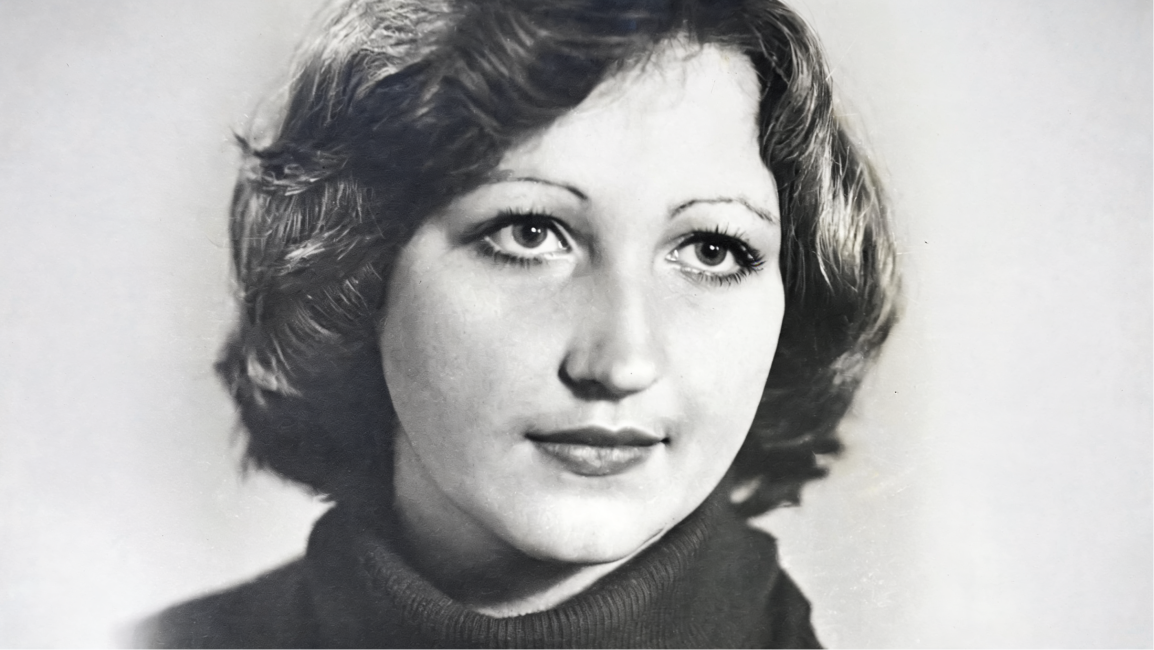
After
Generate an animated clip

Memorial Video Software Built for Funeral Homes
-

Resize for Any Scene Ratio
Adapt your photo to your video format, such as 16:9, 1:1, without manual cropping.
-

Restore and Repair Old Pictures
Clean up dust, noise, skin tones, and imperfections while preserving original colours.
-

Upscale and Enhance Image Quality
Sharpen low-resolution images and improve quality before animation.
-

Retouch and Clean Details
Fix blemishes, lighting, and small imperfections without advanced editing tools.
-

Apply Creative Preset Styles
Choose styles like cinematic, realistic, or watercolor to shape the image mood.
-

Prompt Your Own Edits
Describe the changes you want and guide the AI toward your desired result.
-

Manage Assets & Projects
Manage and organize your assets into categories to keep your library organized when working across multiple projects
-

Version History
Keep track of your edits and quickly restore previous scenes and images
AI Image Editor built for Photos
Vidaloops helps you improve your image before you animate it, so your final video looks cleaner, sharper, and more polished.
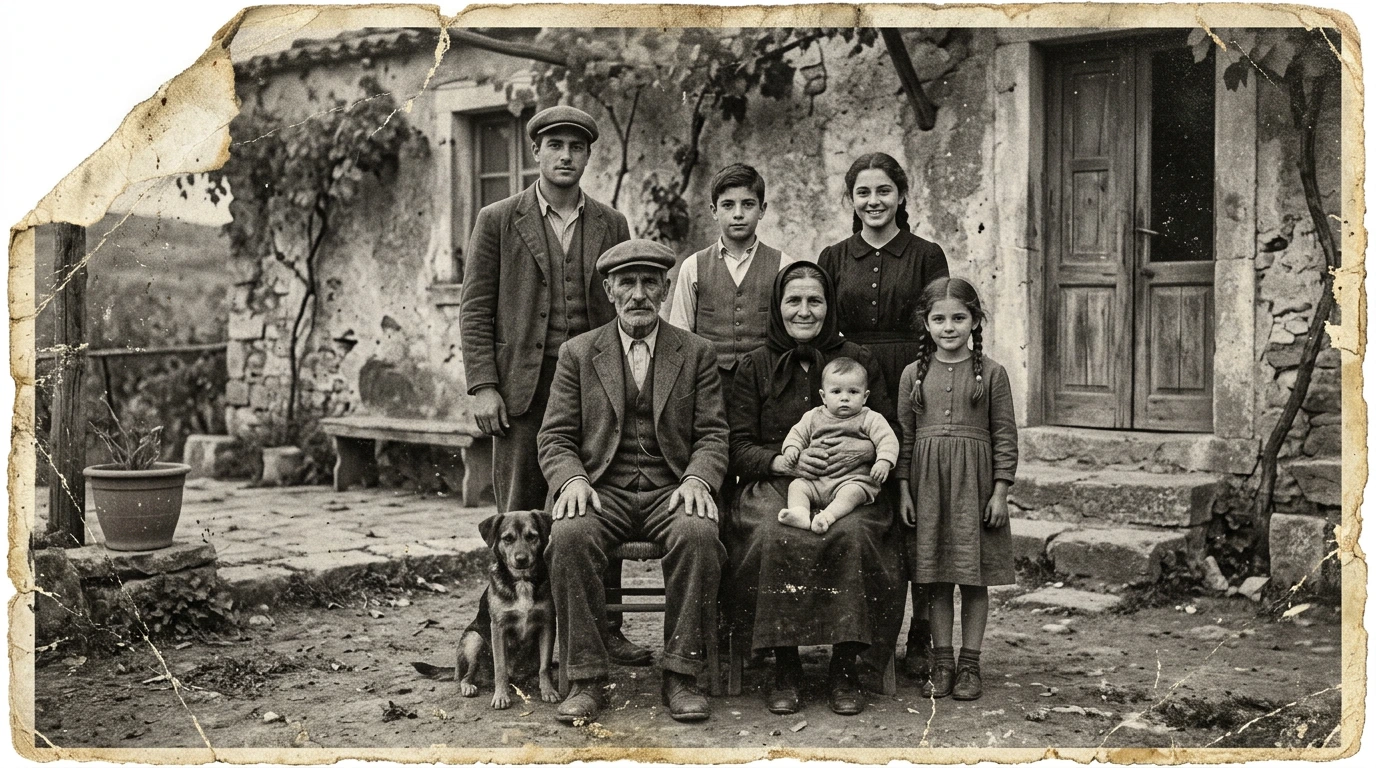
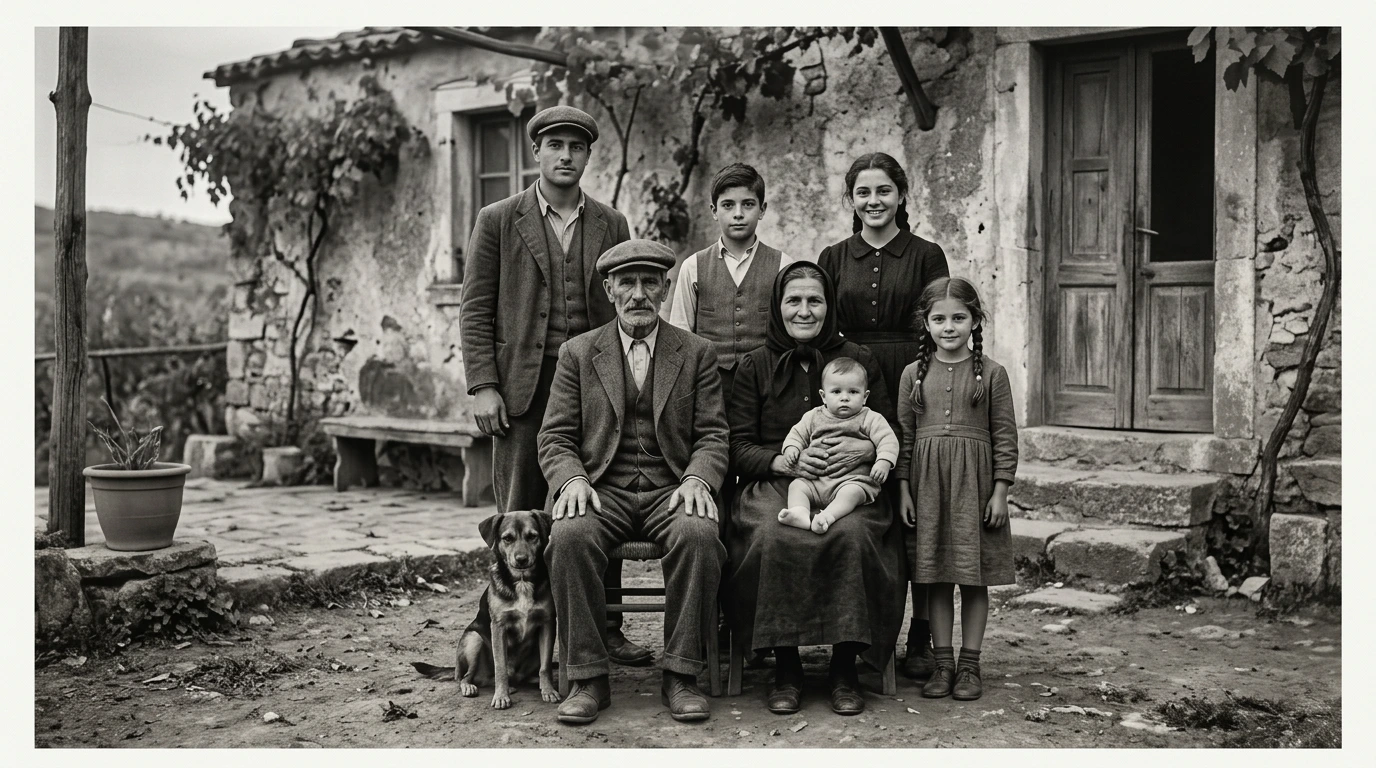
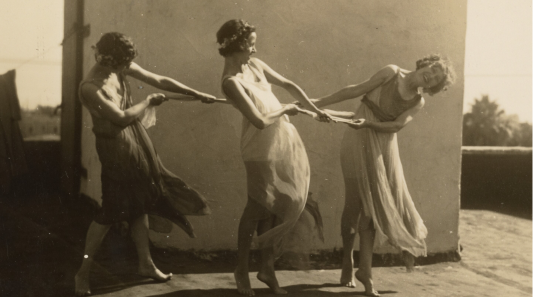
Damaged Photo to Restored Image
Repair old pictures, reduce scratches, clean dust, and improve faded details.

Low-Resolution to Upscaled Photo
Increase image quality and prepare small or blurry photos for better rendering.
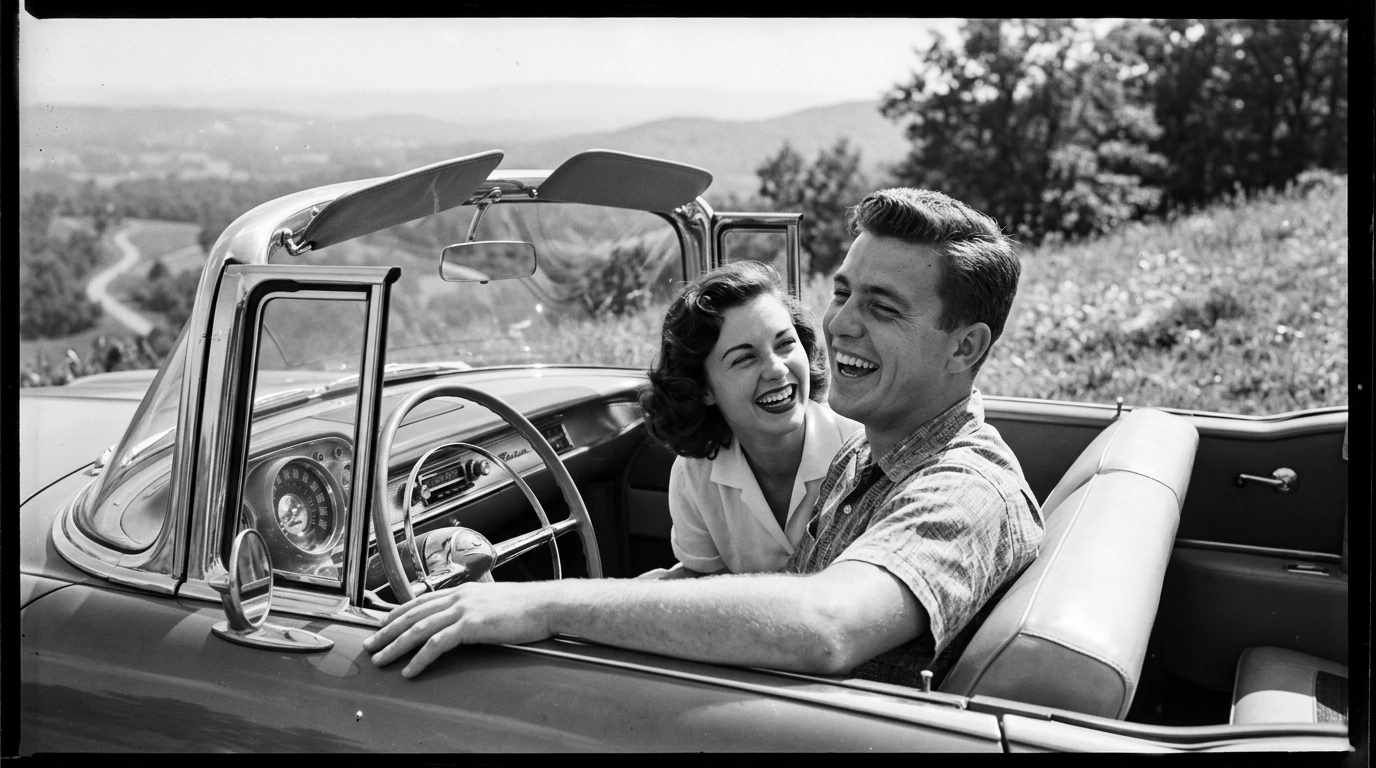
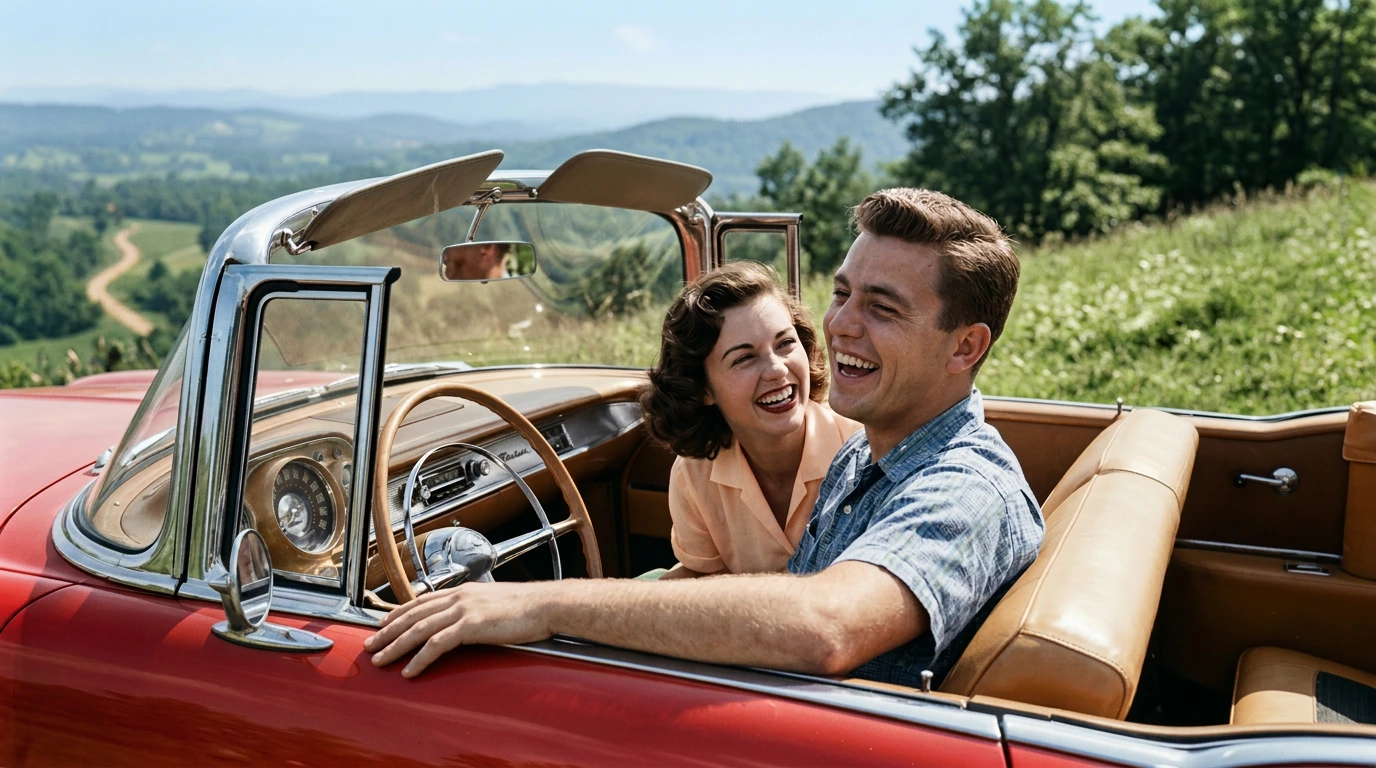
Black-and-White to Colourized Image
Add natural-looking colour while preserving the original feeling of the photo.
How It Works
Vidaloops provides one straightforward workflow designed for funeral homes
-
01
Upload your visuals or generate with Ai
-
02
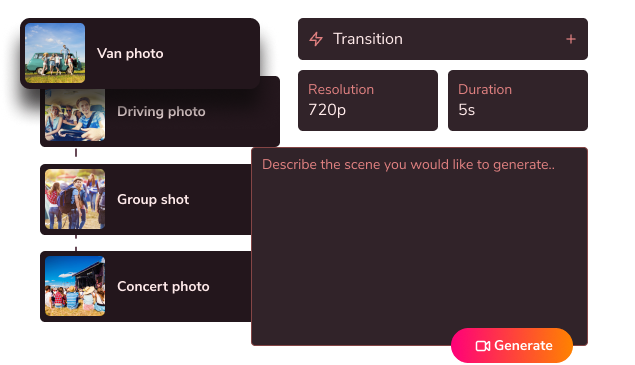
Edit, customize & blend your scenes
-
03
Generate your fully animated video

Create More With Vidaloops
Multi-scene video works even better when paired with other Vidaloops features.
-

Image to Video
Turn still images into an AI-generated motion scenes.
-

Smart Prompt to AI Video
Create an AI-generated videos from a written prompt.
-

Static to Video
Add your own static media to your project without AI.
Best for Creators and Businesses
Frequently asked questions
How can a funeral home create tribute videos from family photos?
A funeral home can use Vidaloops to upload photographs provided by the family, apply gentle animation to selected images, arrange the animated scenes, and combine them with music or personal audio. The finished tribute can then be played during the funeral service, visitation, or celebration of life and shared with the family afterward.
Do we need video editing experience to use Vidaloops?
No. Vidaloops is designed for non-technical funeral home staff. Your team follows a simple workflow to upload photos, choose respectful animation presets, arrange the scenes, add audio, and render the finished tribute. There is no complicated editing timeline to learn.
How much can we charge families for an animated tribute?
Your funeral home controls the retail price. Pricing may depend on the number of photographs, the length of the tribute, the requested turnaround time, and whether music, restoration, or additional revisions are included. Many funeral homes may choose to offer animated tributes as a premium upgrade to an existing memorial package.
Is the animation respectful and appropriate for a memorial?
Yes. Vidaloops is designed to support subtle and dignified animation. Movements may include natural blinking, a gentle smile, a slight head turn, soft environmental motion, or a slow camera movement. Your staff can review the scenes and select the most appropriate results before delivering the final tribute.
How does onboarding work for our staff?
We guide your team through account setup, photo preparation, animation selection, multi-scene tribute creation, audio, rendering, and delivery. We can also help your funeral home establish a repeatable internal process for collecting materials and presenting the service to families.
Can families provide their own photos and audio?
Yes. Families can provide their own photographs, music, voice recordings, or other meaningful audio. Your staff can use those materials to create a personalized tribute that reflects the person's life and the family's wishes.
Create a Lasting Memory for Every Family
Offer more than a slideshow. Give families a meaningful way to see their memories come to life.
Start Your First Tribute